AI-Native IDE for Deep Learning
Design, Train & Test, Neural Networks
with Unmatched Simplicity
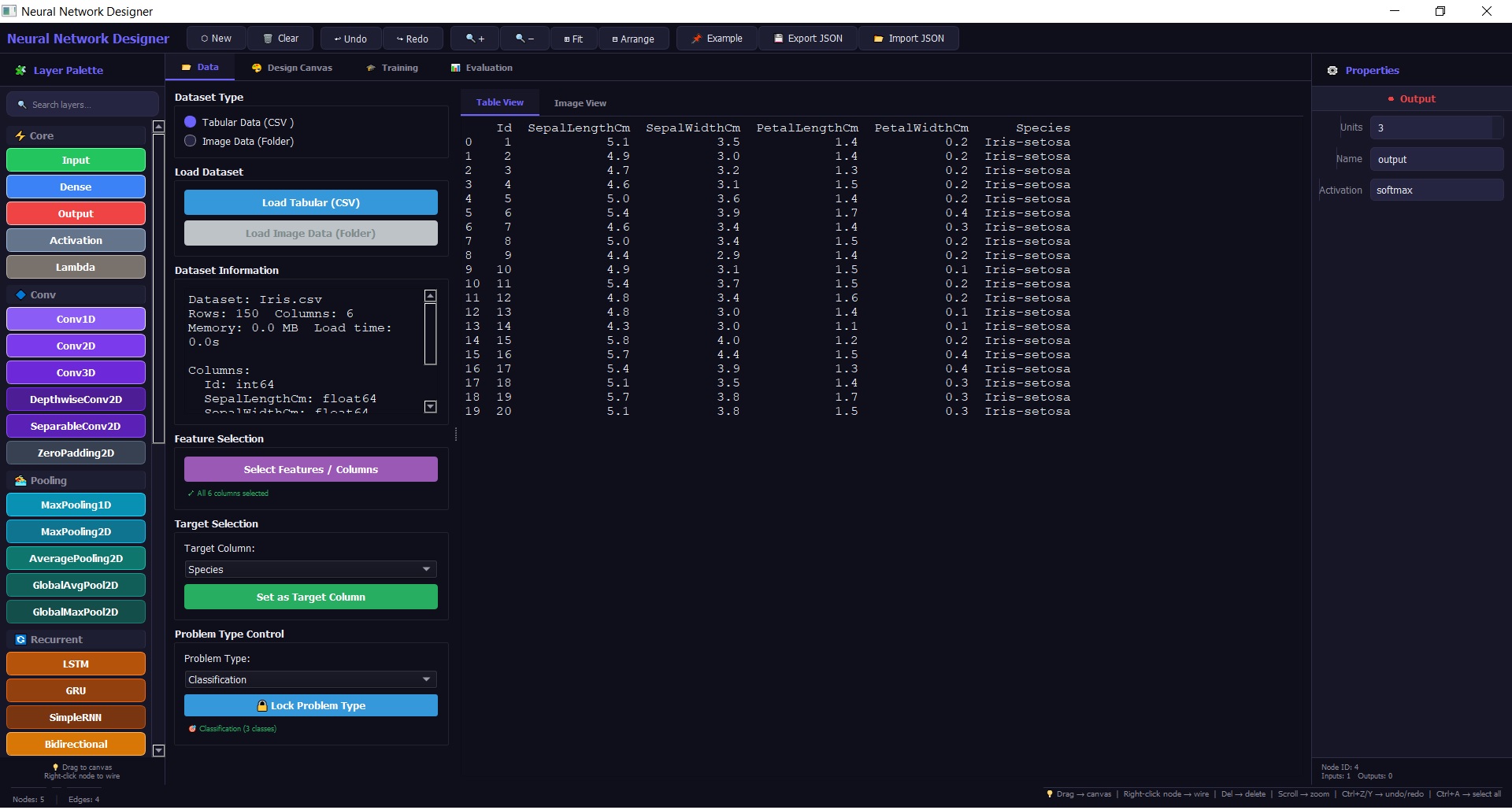
📊 Data Management
Smart column selection, missing value handling, image folder ingestion & automatic train/test split.
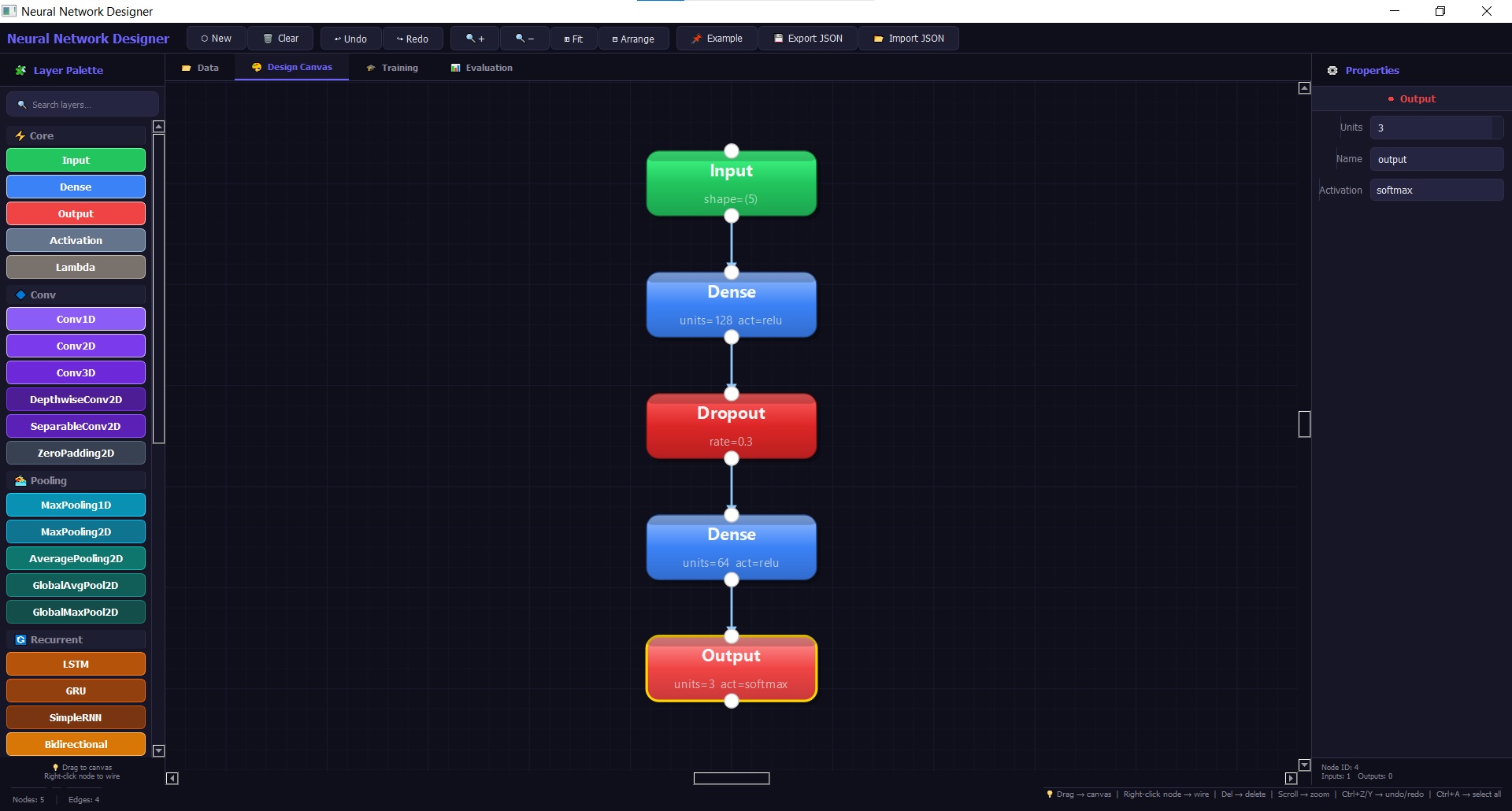
🎛️ Network Design
Drag‑drop layers, auto‑arrange, compatibility checks & real‑time parameter preview.
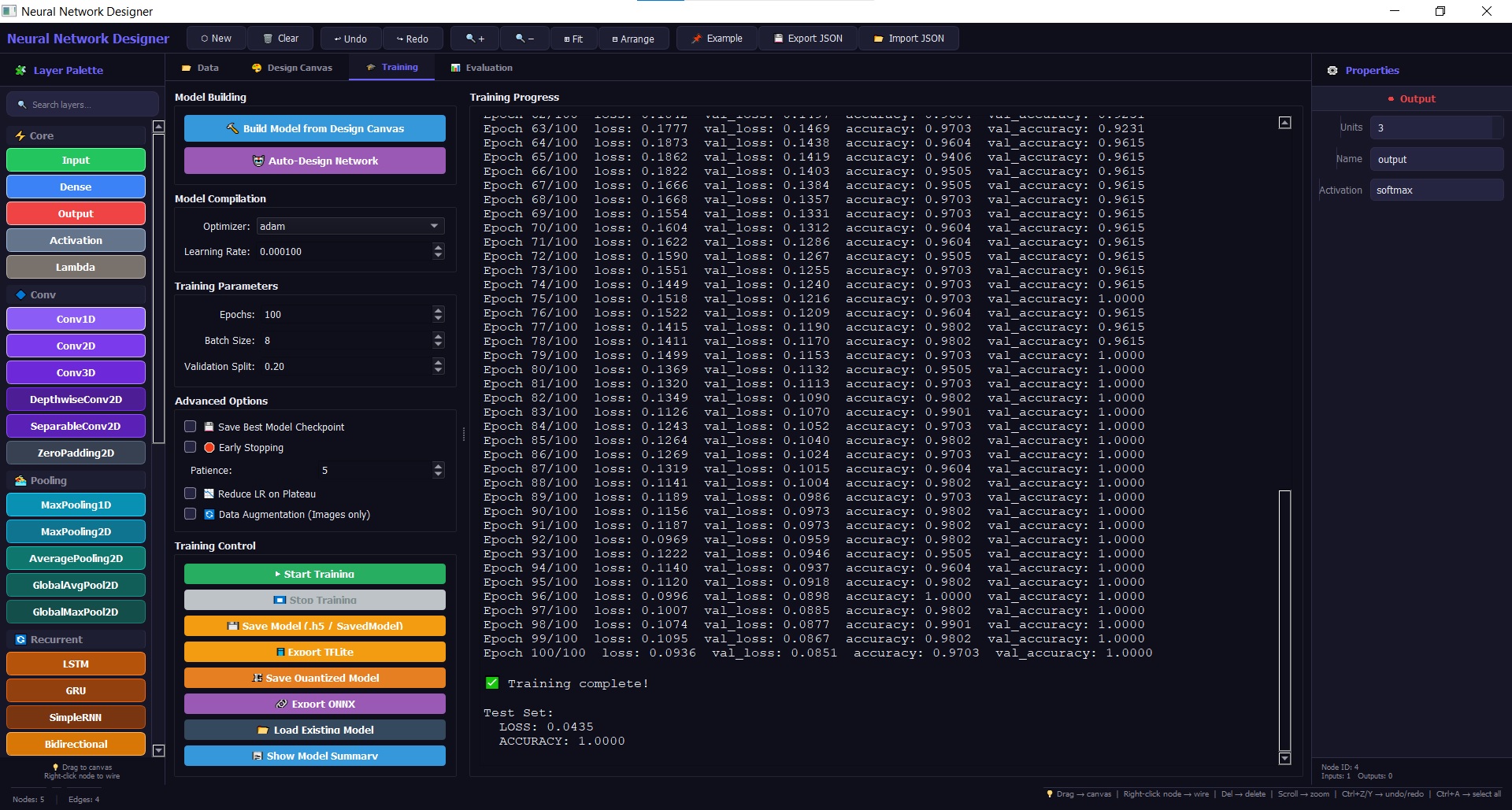
⚡ Intelligent Training
Early stopping, checkpointing, ReduceLROnPlateau, mixed‑precision & background threaded execution.
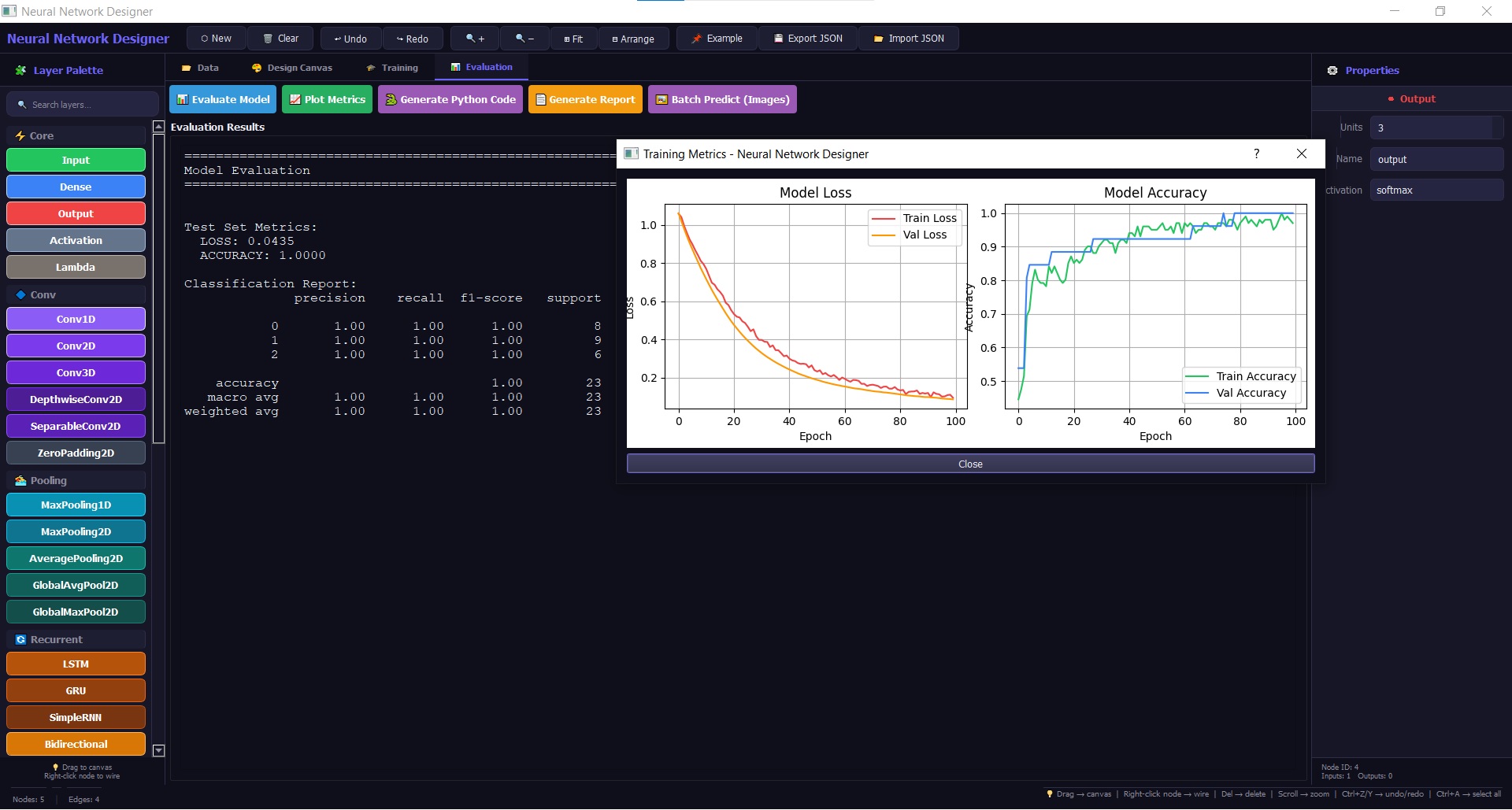
📈 Evaluation Suite
Confusion matrix, classification report, test set evaluation & batch prediction.
Neural Network Designer
Windows 10 / Windows 11 (64-bit)
- CPU: Intel Core i3 / AMD equivalent (or better)
- RAM: 8 GB (16 GB recommended)
- Storage: 2 GB free space
- Internet required
Version 2.0.0 · Build 2026.04 · TensorFlow backend
Download EXE (RAR compressed)
DM for Trial (INR 0) License at
linkedin.com/in/gauttam-jangir-13382114
Pricing for INDIA
Individual License
₹19999/Year | ₹1999/Month
Institution Licenses
₹15555/Year
(Minimum license 50)
+ Tax (18%) • No Refund
🌍 Rest of the World
Individual License
USD 550/Year
Institution Licenses
USD 525/Year
(Minimum License 50)
+ Tax (18%) • No Refund
🚀 How to start Neural Network Designer on Windows 10/11
1️⃣ Download
Click the installer button above
Click the installer button above
2️⃣ Install
Run the .exe and follow setup
Run the .exe and follow setup
3️⃣ Launch
Open from desktop shortcut
Open from desktop shortcut
4️⃣ Wait
May take a longer duration for the Login Window
May take a longer duration for the Login Window
5️⃣ Contact
Email for License Institutional/Annual Subscription
Email for License Institutional/Annual Subscription
6️⃣ Enter
Your credentials → Activate
Your credentials → Activate
7️⃣ Happy Learning
Start designing neural networks!
Start designing neural networks!
Connect with us at
connect@neuralnetworkdesigner.net
Campus Connect
CEERI Road, Pilani,
Jhunjhunu, Rajasthan (INDIA)
333031
Email: connect@neuralnetworkdesigner.net
Mobile: +919887194108
CEERI Road, Pilani,
Jhunjhunu, Rajasthan (INDIA)
333031
Email: connect@neuralnetworkdesigner.net
Mobile: +919887194108
Response ASAP